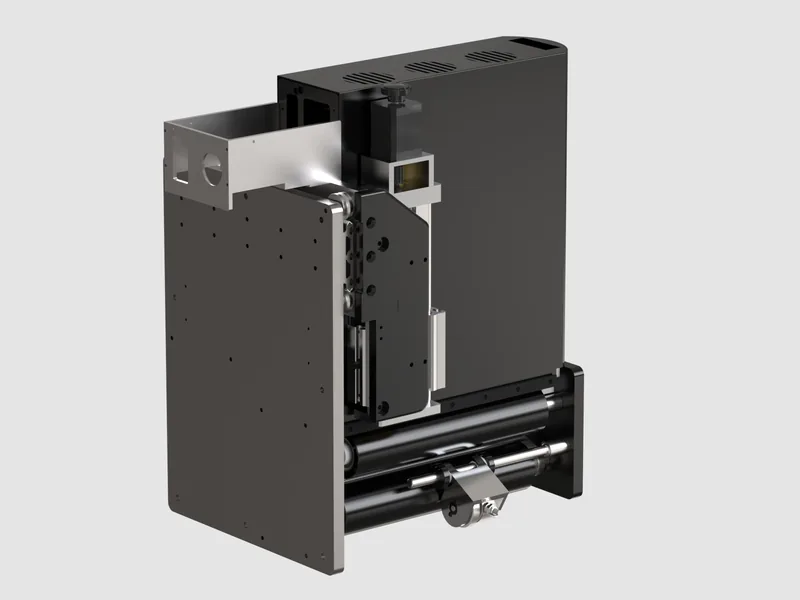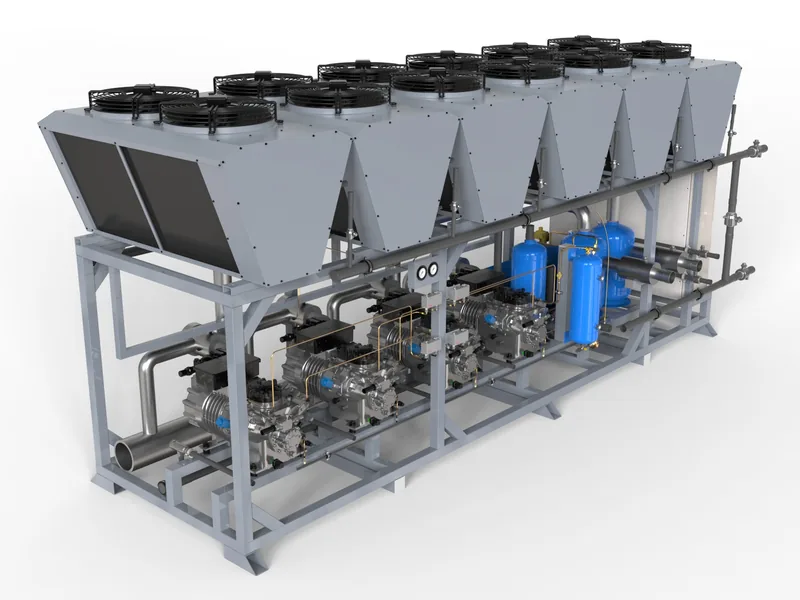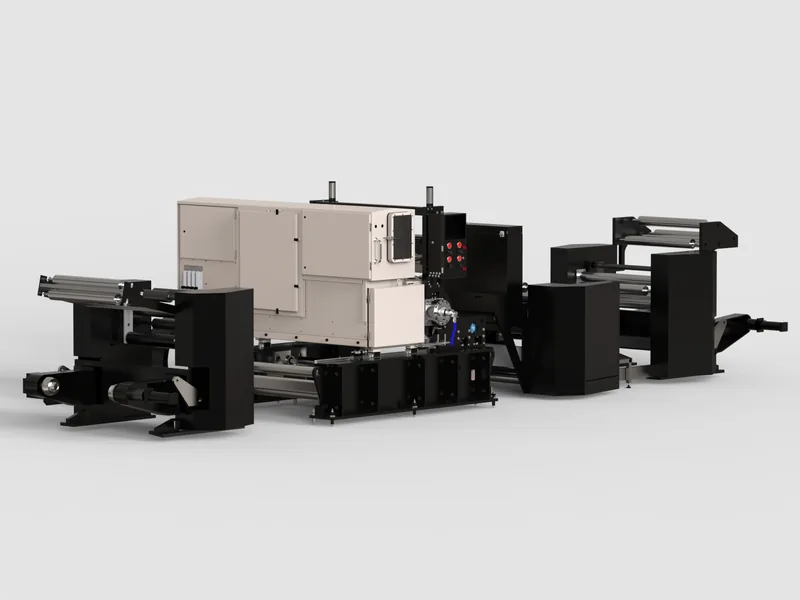
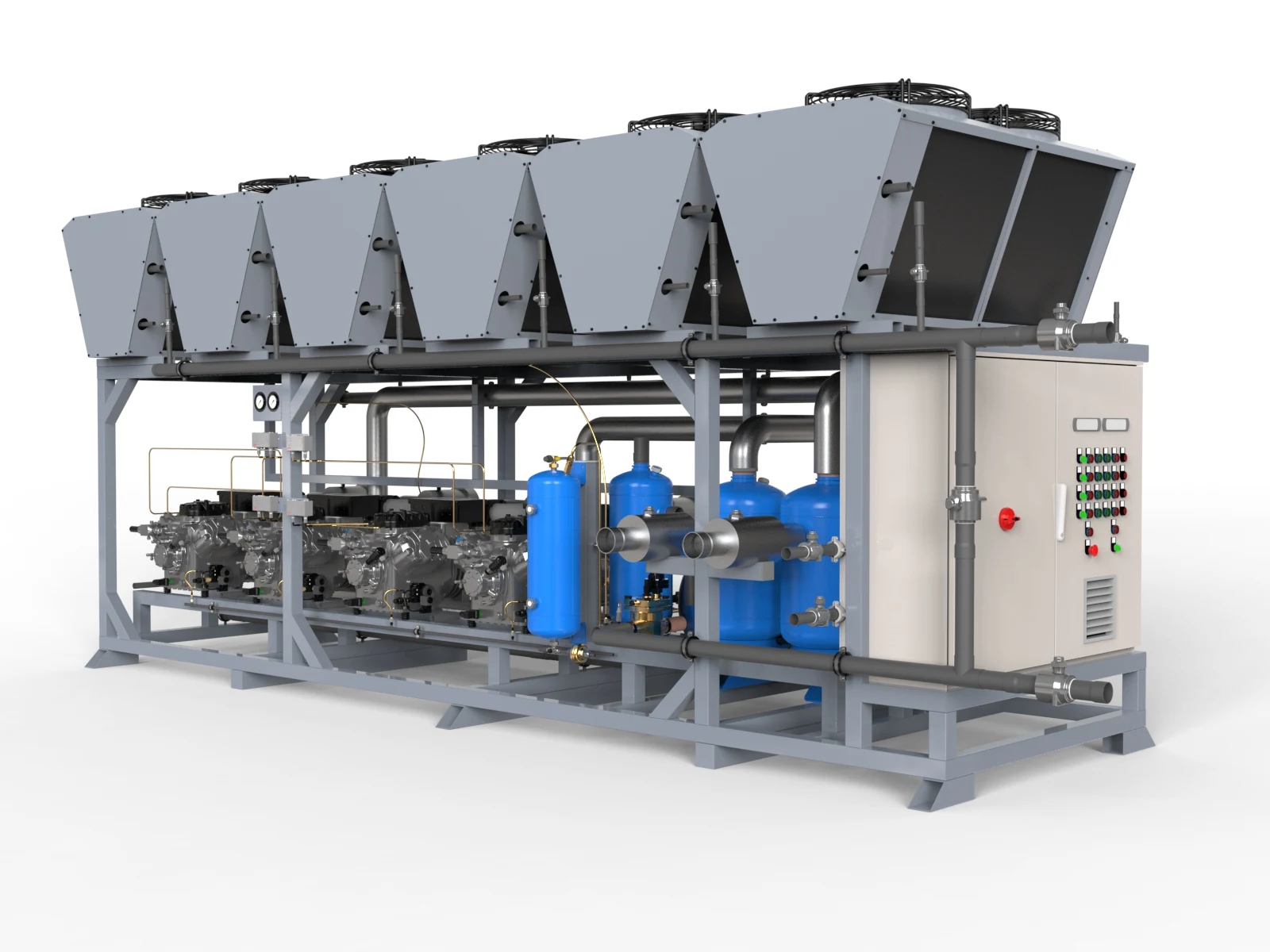
The most persuasive sales tool a machine builder owns is a running machine. That is why customers are flown to the factory for demonstrations, why demo units are shipped between showrooms and why sales engineers dread the question, "can we see it working?" from a prospect on another continent.
A virtual demo kit does not replace a factory acceptance test or a trial with the customer's own material. What it can replace is the first three meetings: the ones where the prospect needs to understand the machine, see its options and convince colleagues before anyone books a flight.
What is in a virtual demo kit
1. Interactive 3D model
The machine in a browser: rotate, zoom, open the guarding, switch options, click hotspots that explain features. It runs on the sales engineer's laptop, on a tablet in the meeting and on the customer's own screen afterwards. See interactive 3D and configurators.
2. AR placement
The same model placed at full scale on the customer's floor through a phone. Footprint, access, height and clearances become obvious in a way no drawing achieves. Read AR for machinery.
3. Process and how it works films
Short, accurate films of the process and key mechanisms that a sales engineer can play at the right moment of a conversation, and send afterwards. See how it works animation.
4. A render library
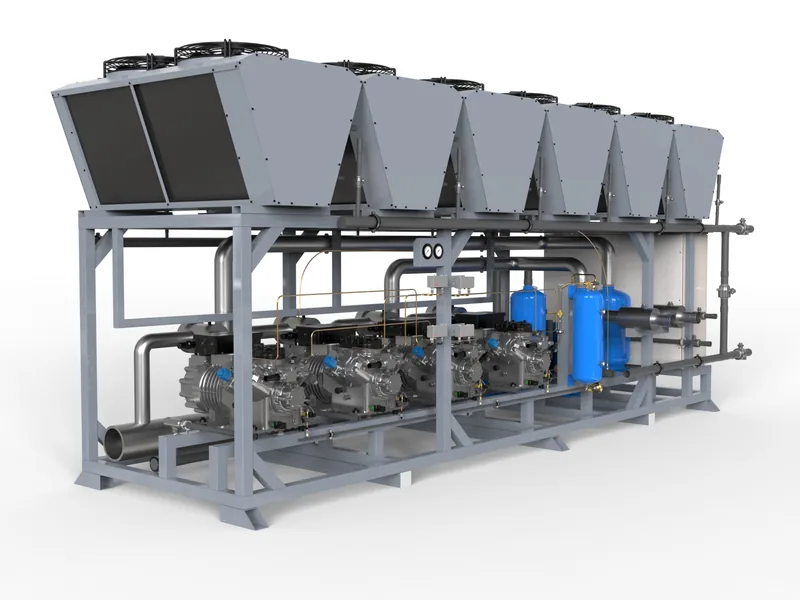
Every configuration and option as a consistent still image, ready for quotations, tenders and presentations. No more borrowing photographs of a different variant.
Why it matters now
Buyers do more of their research before they speak to a supplier. Gartner's research on B2B purchasing found that buyers spend only a small share of their buying journey meeting suppliers, and that share is split across every supplier they consider. Brightcove's research found around three quarters of B2B manufacturing buyers prefer video to written content when learning about a complex product. A virtual demo kit is how your machine takes part in the parts of the decision you are not present for.
Distributors and agents
Machine builders that sell through distributors face an extra problem: every distributor describes the machine differently, with old photos and translated brochures. A shared virtual demo kit gives every partner the same accurate machine, in their language, and lets you update it centrally when the product changes. Combined with a quote capture form in the configurator, it also tells you which configurations distributors are actually proposing.
How to start without a large budget
- Prepare the machine once from CAD. This is the foundation for everything else.
- Start with a render library and one process film, the assets every salesperson needs.
- Add the interactive viewer with AR mode when the model is ready.
- Add options and a configurator when you see which questions the sales team gets most.
| Stage | Deliverable | Price |
|---|---|---|
| 1 | Machine set, five render views | $2,900 |
| 1 | Process film, 60 s | from $7,900 |
| 2 | Interactive 3D viewer with AR mode | from $6,400 |
| 3 | Configurator with option switching and quote capture | from $16,500 |
| Ongoing | Catalogue programme for new products and options | from $4,400 per month |
Each stage reuses the prepared model, which is why later stages cost less than they would as separate projects. Read from static renders to interactive 3D and how to calculate the ROI.
Send one CAD file and tell us how your sales team sells today. We reply within one working day with a plan and a fixed price.
Written by Engr. Bilal Naseem, mechanical engineer (PEC Reg. No. 47883) and founder of 3DEnginuity. Questions about your own machine? Write to bilal.naseem@3denginuity.com.
Send one CAD file for a free assessment.
We open it, tell you what is usable, and return a fixed price and delivery date within one working day. NDA first if you need it.