LED video walls have become the default centrepiece of industrial stands. They are bright, seamless and can be built to almost any shape, from a 16:9 panel behind the reception desk to a ribbon running the full length of a double-decker. They are also routinely fed with the wrong content: a corporate film exported at 1920 by 1080, stretched or letterboxed onto a wall with a completely different pixel count and shape.
This guide is for machine builders who are renting or buying an LED wall and need content that fits it. It covers the technical brief, what to show, and how to get a wall-specific edit without paying for a new film.
Start with the pixel map, not the film
An LED wall does not have a resolution in the way a television does. It has a physical size and a pixel pitch, the distance in millimetres between the centres of two adjacent pixels. The native resolution is simply the size divided by the pitch.
| Wall size (W x H) | Pixel pitch | Native resolution | Shape |
|---|---|---|---|
| 5 m x 2.5 m | 2.6 mm | about 1,920 x 960 px | 2:1 |
| 6 m x 3 m | 1.9 mm | about 3,160 x 1,580 px | 2:1 |
| 4 m x 2.25 m | 2.5 mm | 1,600 x 900 px | 16:9 |
| 12 m x 1.5 m ribbon | 3.9 mm | about 3,080 x 385 px | 8:1 |
| 3 m x 4 m portrait column | 2.6 mm | about 1,150 x 1,540 px | 3:4 |
Content should be produced at exactly that pixel map. Anything else is scaled by the media server, which softens fine lines, the very thing that makes machine renders look precise. Ask your stand builder three questions before any production starts: the exact pixel map, the media server or player model, and the codec and bitrate it plays smoothly.
Pixel pitch and viewing distance
A common rule of thumb is that the closest comfortable viewing distance in metres is roughly the pixel pitch in millimetres, and the ideal distance is two to three times that. On a 2.6 mm wall, visitors standing two metres away will see a clean image; at one metre they will see pixels. This has a practical consequence for content: small text and thin lines that read on a monitor can disappear or shimmer on a coarse wall. Design for the distance people actually stand.
Safe zones on a stand
- The bottom metre is often hidden. Counters, plinths, machines and people block it. Keep key information above head height.
- Edges near structure get cut. Leave a margin where the wall meets columns, ceilings or the stand header.
- Corners and wraps distort. If the wall bends round a corner, keep faces and text off the fold. Machines moving across a fold can look spectacular; logos look broken.
What to show on a machinery LED wall
A silent process loop
The core asset for most machine builders: 60 to 90 seconds following product through the machine, seamless at the loop point, readable without sound. Our seven rules for booth loop video apply in full.
Scale moments
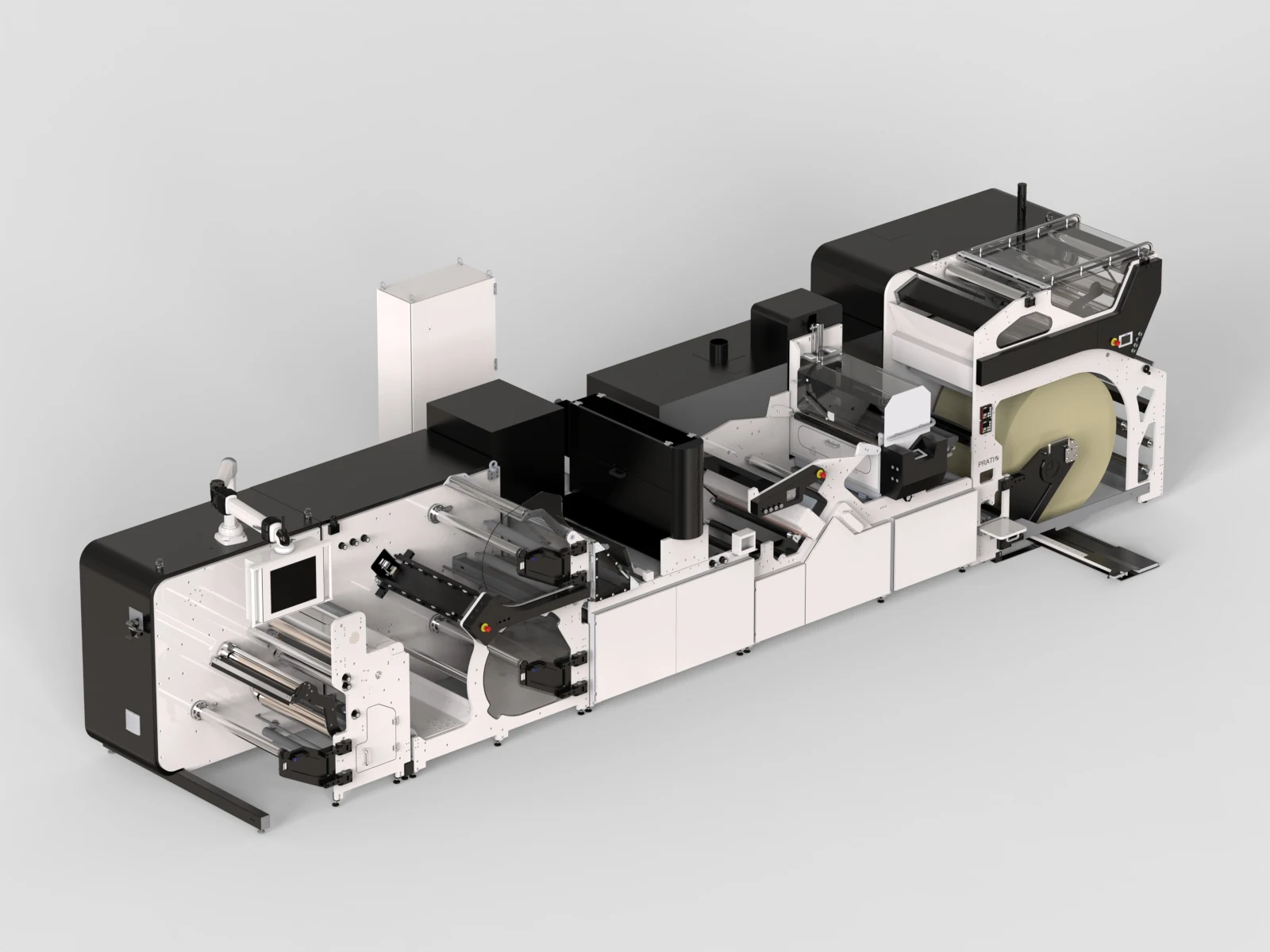
LED walls are big enough to show a machine at or near real size. A slow camera move along a full line at true scale is something a monitor cannot do, and it stops people in the aisle.
Cutaways and x-ray views
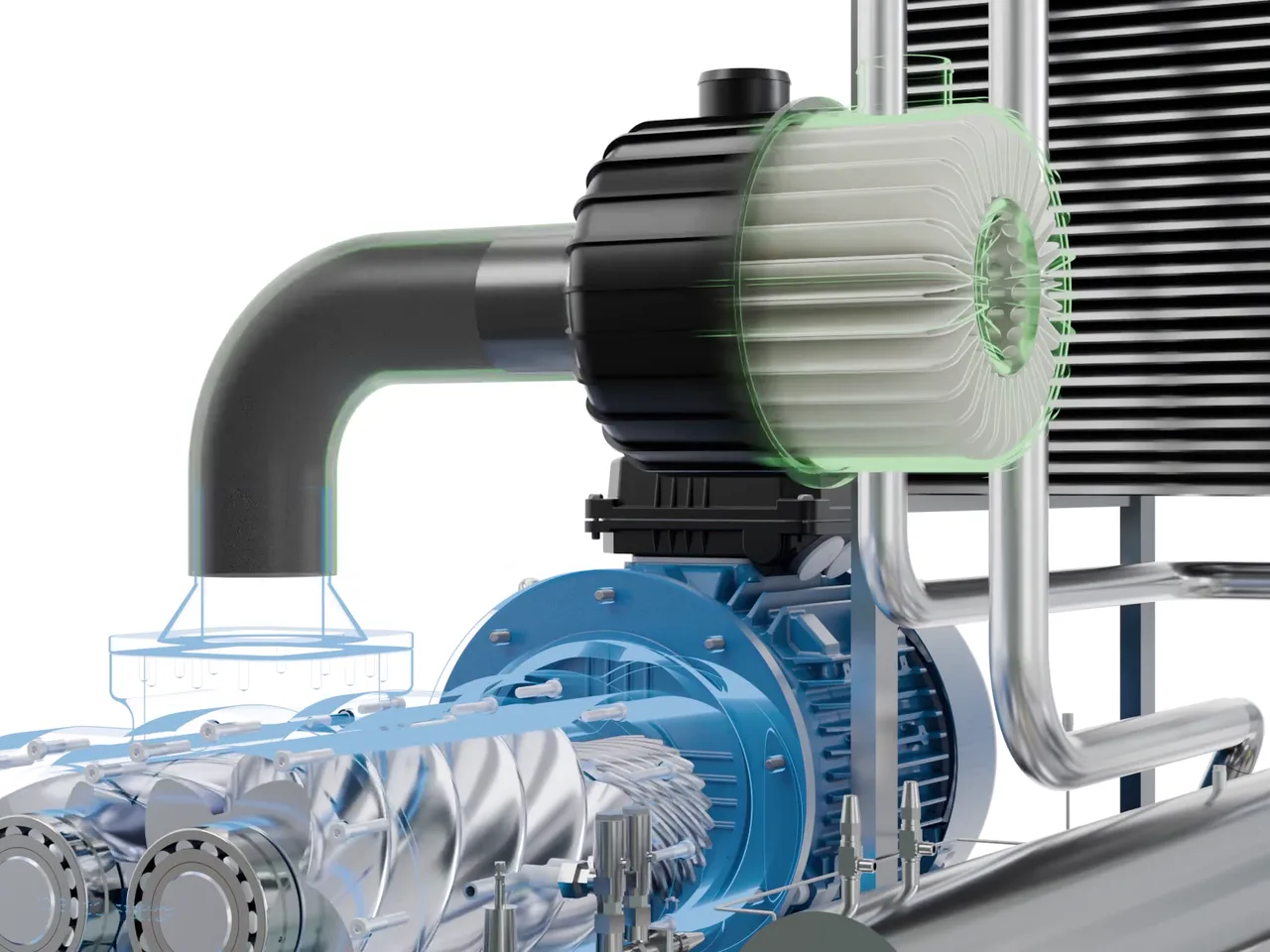
The inside of the machine, large. Machines on the stand show the outside; the wall should show what visitors cannot see.
Ambient sequences between loops
Wide formats like ribbons work well with slow, almost abstract material: a conveyor moving across the full width, product flowing, a slow orbit around a hero render. They create atmosphere without demanding attention.
Rendering for a specific wall, not re-editing a film
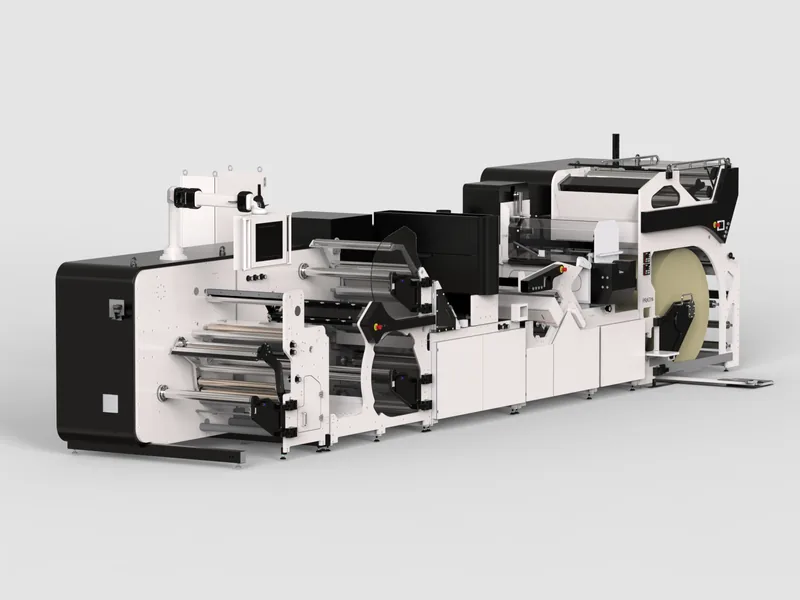
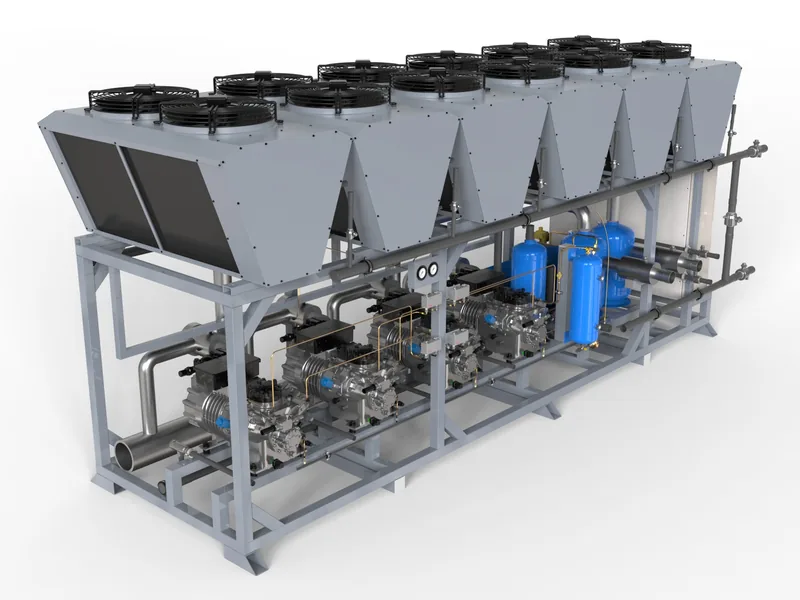
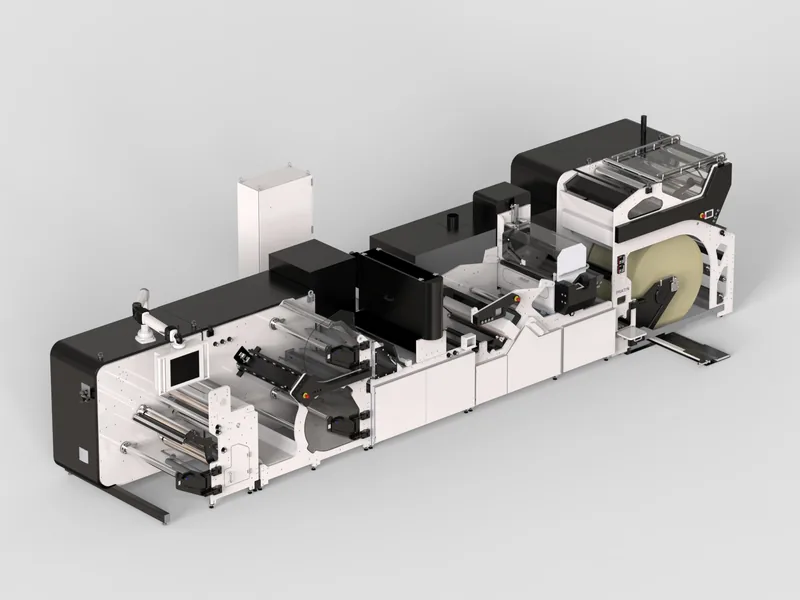
Because our films are rendered from 3D scenes rather than filmed, we can re-frame them for a different shape by moving the virtual camera and rendering again at the exact pixel map. A ribbon wall gets a composition designed for 8:1, not a 16:9 film with black bars. This is much cheaper than a new film: once the machine and animation exist, a wall-specific version is typically a fraction of the original cost.
File delivery checklist
- Exact native resolution, confirmed with the stand builder.
- Frame rate agreed with the media server, usually 25 or 30 frames per second, or 50 or 60 for smooth camera moves on fine-pitch walls.
- Codec and bitrate the player handles reliably; H.264 or H.265 MP4 at high bitrate is the common choice.
- A seamless loop point tested on the actual hardware if possible.
- A still image fallback in case the player fails during build-up.
- Brightness checked: large pure white areas are uncomfortable on an LED wall at close range.
Cost
If you already have a film from us, a wall-specific render is usually quoted as a re-cut. If you are starting from CAD, our trade show visuals start at $5,600 for booth essentials and process films at $6,500. See trade show visuals and pricing.
Send us the wall specification and one CAD file. We reply within one working day with a fixed quote and a frame mock-up at the correct shape. Send your CAD file.
Written by Engr. Bilal Naseem, mechanical engineer (PEC Reg. No. 47883) and founder of 3DEnginuity. Questions about your own machine? Write to bilal.naseem@3denginuity.com.
Send one CAD file for a free assessment.
We open it, tell you what is usable, and return a fixed price and delivery date within one working day. NDA first if you need it.