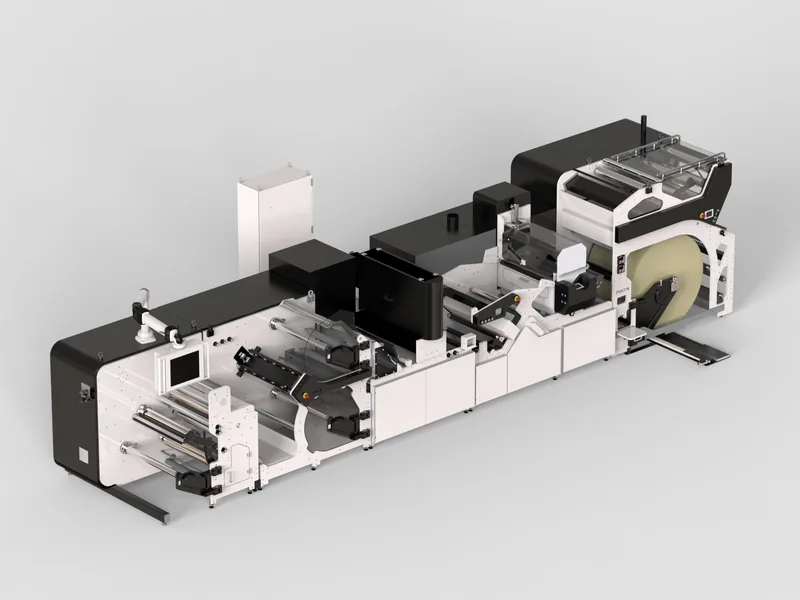
Most trade fair films are made for the wrong viewer. They are written like a corporate video, with a slow opening, a voice-over and a logo at the end, and then played on a screen that people walk past at four kilometres an hour in a hall where nobody can hear anything. A booth loop is a different format with its own rules, and for machine builders it is usually the most valuable visual on the stand.
This guide covers how to design a silent trade show loop for machinery, which formats and resolutions to plan for, and what it costs to build one from your CAD.
Why the loop matters
Trade fairs remain a core sales channel for capital goods. In AUMA's exhibitor survey for 2026 and 2027, 85.4 per cent of capital goods exhibitors ranked trade fairs among their top two marketing instruments (AUMA Aussteller-Ausblick 2026/2027). An earlier AUMA study of more than 160,000 trade visitors at German fairs found that 63 per cent make or share purchasing decisions and a further 22 per cent advise on them (AUMA Edition 41).
Those decision makers spend seconds deciding whether to stop at a stand. The loop is what they see in those seconds. For the wider plan of what belongs on the wall, the screens and the sales desk, see trade show video for machine builders.
Seven rules for a machinery booth loop
- Assume no sound. Every message must work visually or in short on-screen text.
- Make every frame readable from five metres. Large shapes, high contrast, captions of five or six words.
- No beginning, no end. People join at random points. Each 10 to 15 second segment should make sense alone, and the last frame should flow into the first without a jump.
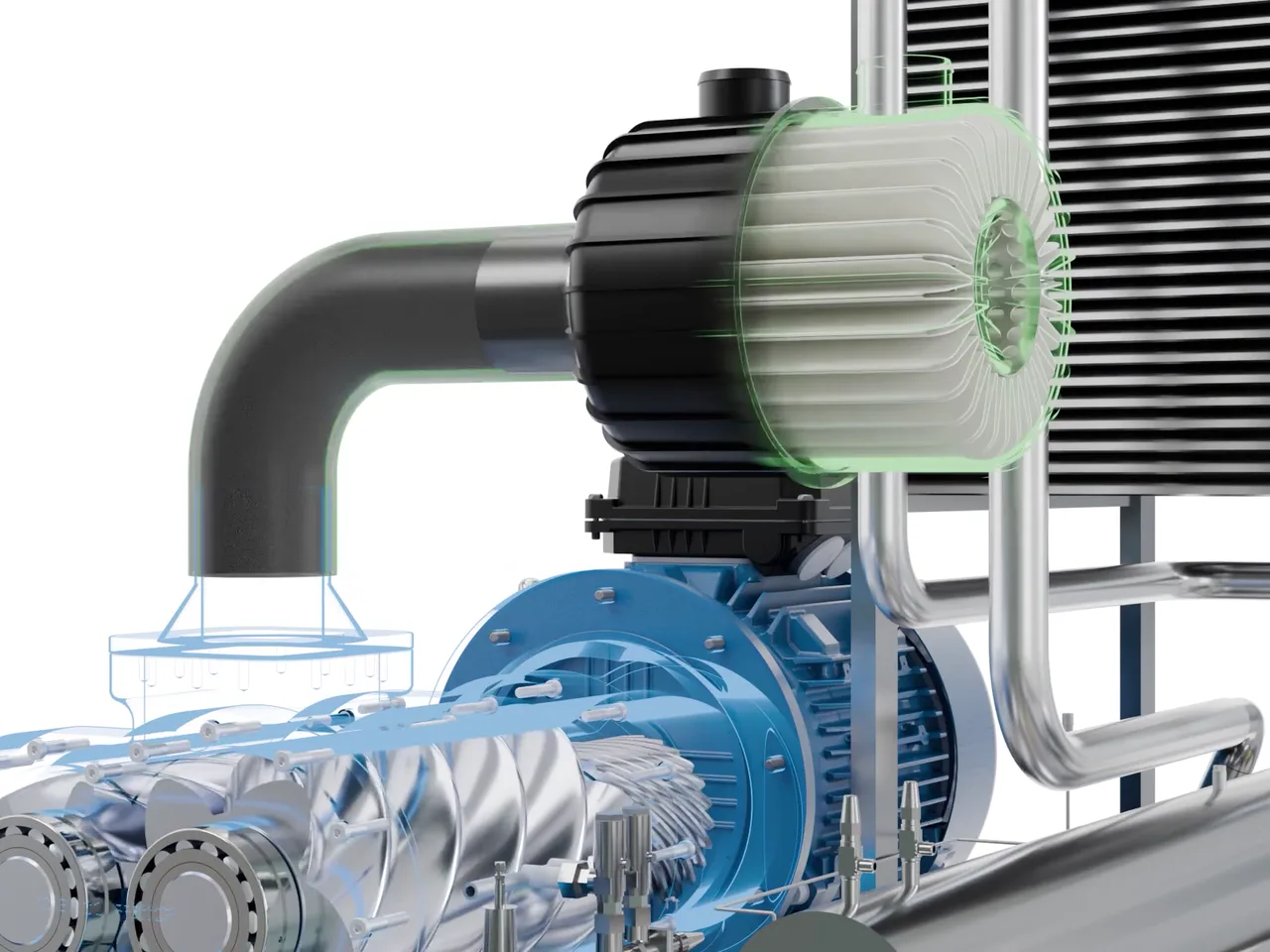
- Show the inside. The machine is probably on the stand already. The loop should show what the real machine cannot: the process, the mechanism, the changeover.
- Keep the product moving. Cartons, parts, web, liquid. Motion catches eyes in peripheral vision.
- Brand lightly. A small logo in a corner is enough. The stand already says who you are.
- 45 to 90 seconds. Long enough to cover three or four messages, short enough to repeat often.
Screens, LED walls and formats
| Display | What to ask for | Notes |
|---|---|---|
| Standard screen | 1920 x 1080 or 3840 x 2160, H.264 MP4 | Ask whether the player needs a USB stick or a network file |
| LED wall | Exact pixel dimensions from the stand builder | LED walls rarely match 16:9; never guess |
| Portrait screen or totem | 1080 x 1920 | Frame the machine vertically, not cropped from landscape |
| Tablet at the sales desk | Full version with captions or voice | This is where the longer sales film belongs |
Ask for every format at the start of the project. Re-framing a finished landscape film for a portrait totem is far more work than planning both from the beginning.
One production, many uses
A loop built from CAD is not a one-off. The same footage gives you social clips in 9:16 and 1:1, a longer sales version with voice-over, and website hero video. Usage rights are permanent, so the loop works at every show until the machine changes.
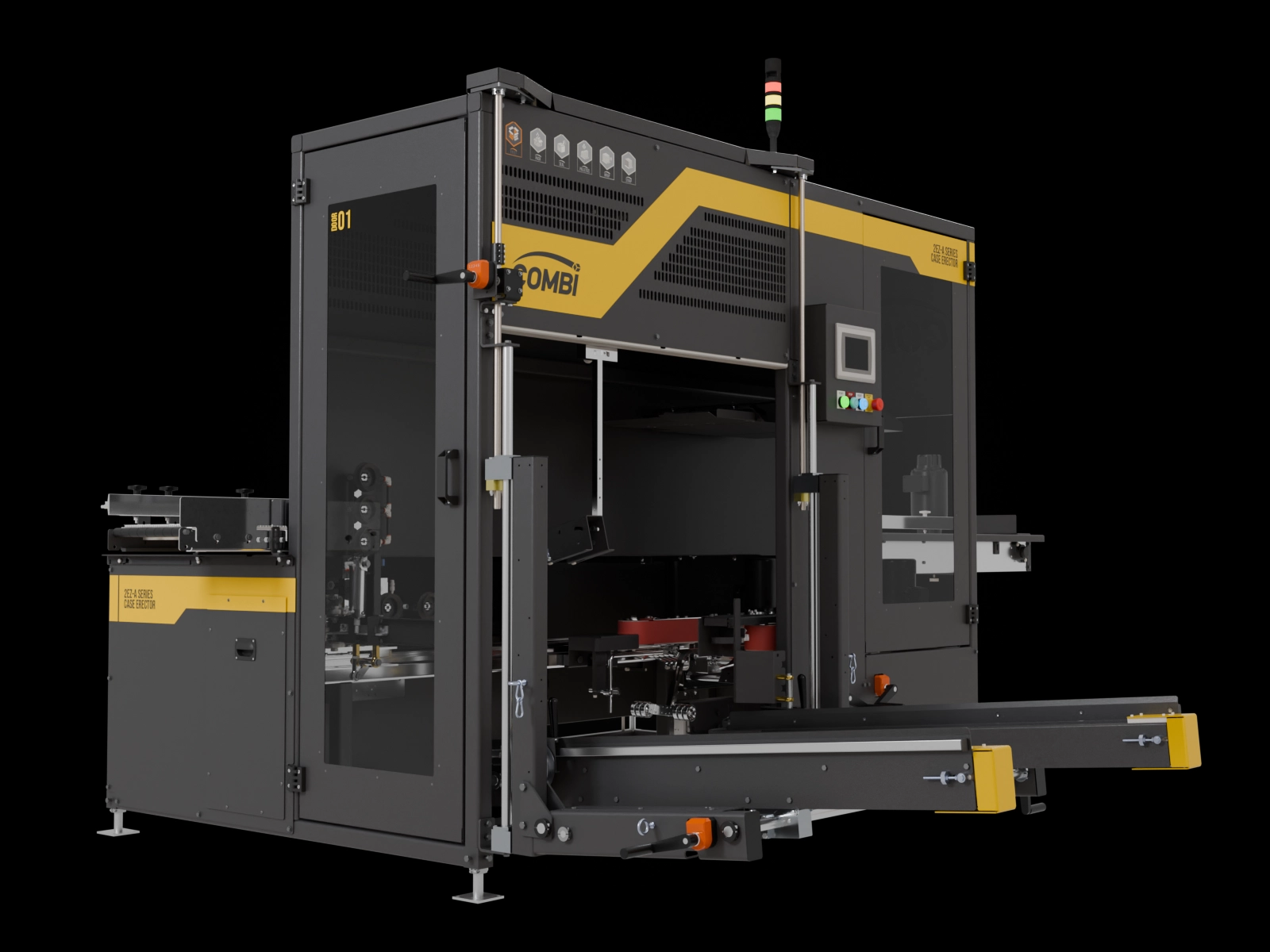
A structure that works
| Segment | Length | Content |
|---|---|---|
| Hook | 5 to 8 s | The machine in motion, one bold caption with your main benefit |
| Process | 20 to 40 s | Product moving through the key stations, ghosted guarding |
| Proof | 10 to 15 s | One number per shot: output, changeover time, energy |
| Detail | 10 to 15 s | The mechanism that makes you different, in close-up |
| Return | 3 to 5 s | A wide shot that flows back into the hook |
Each segment stands on its own, so a visitor who looks up at any moment sees something complete. The return shot is what hides the cut between the end and the start.
Common mistakes
- Using the full corporate film with voice-over on the main screen.
- Fading to black between segments, which looks like the film has ended.
- Captions in a font size chosen on a laptop. Check them on the real screen size.
- Forgetting that the screen will be seen from an angle. Keep key content away from the edges.
Cost and timeline
| Loop type | Content | Starting price |
|---|---|---|
| Feature loop, 20 to 45 s | One mechanism or benefit | From $3,900 |
| Process loop, 60 s | The whole machine or line | From $7,900 |
| Trade show package | Loop, prints and screen content | From $6,900 |
Start eight to twelve weeks before the show for a 60 second loop, and six to eight weeks for a short feature loop. See the 2027 trade fair calendar for show-specific deadlines.
Written by Bilal Naseem, mechanical engineer and founder of 3DEnginuity. Questions about your own machine? Write to [email protected].
Send one CAD file for a free assessment.
We open it, tell you what is usable, and return a fixed price and delivery date within one working day. NDA first if you need it.