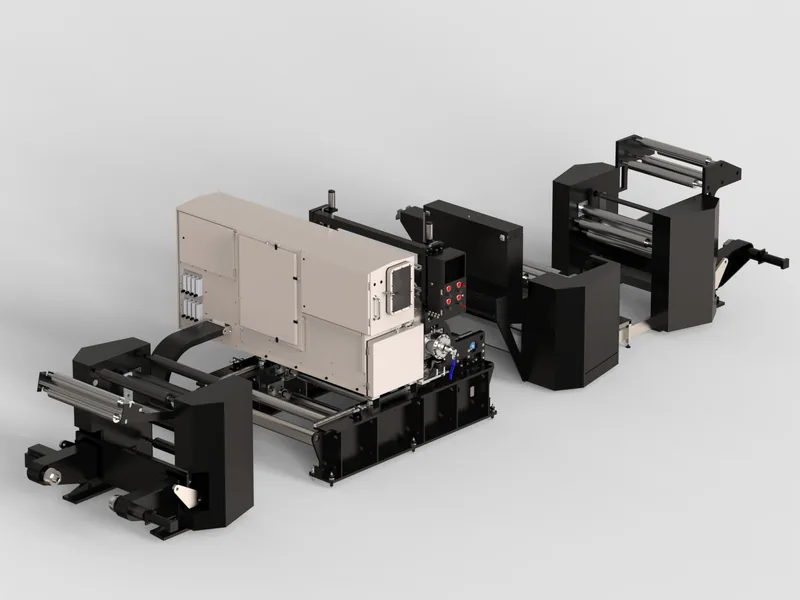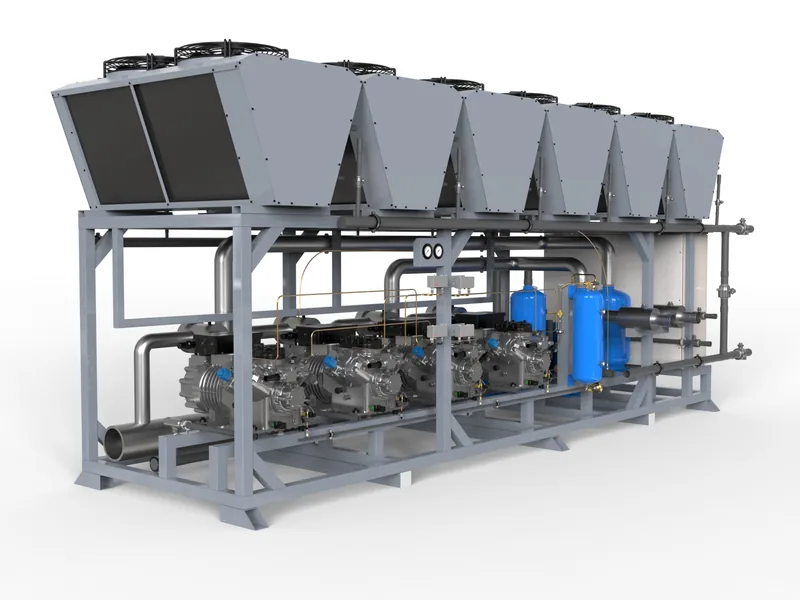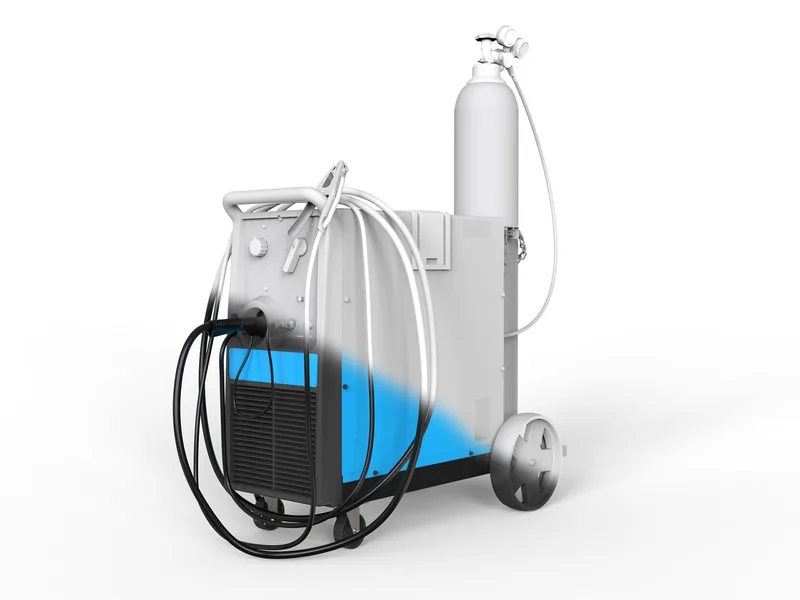
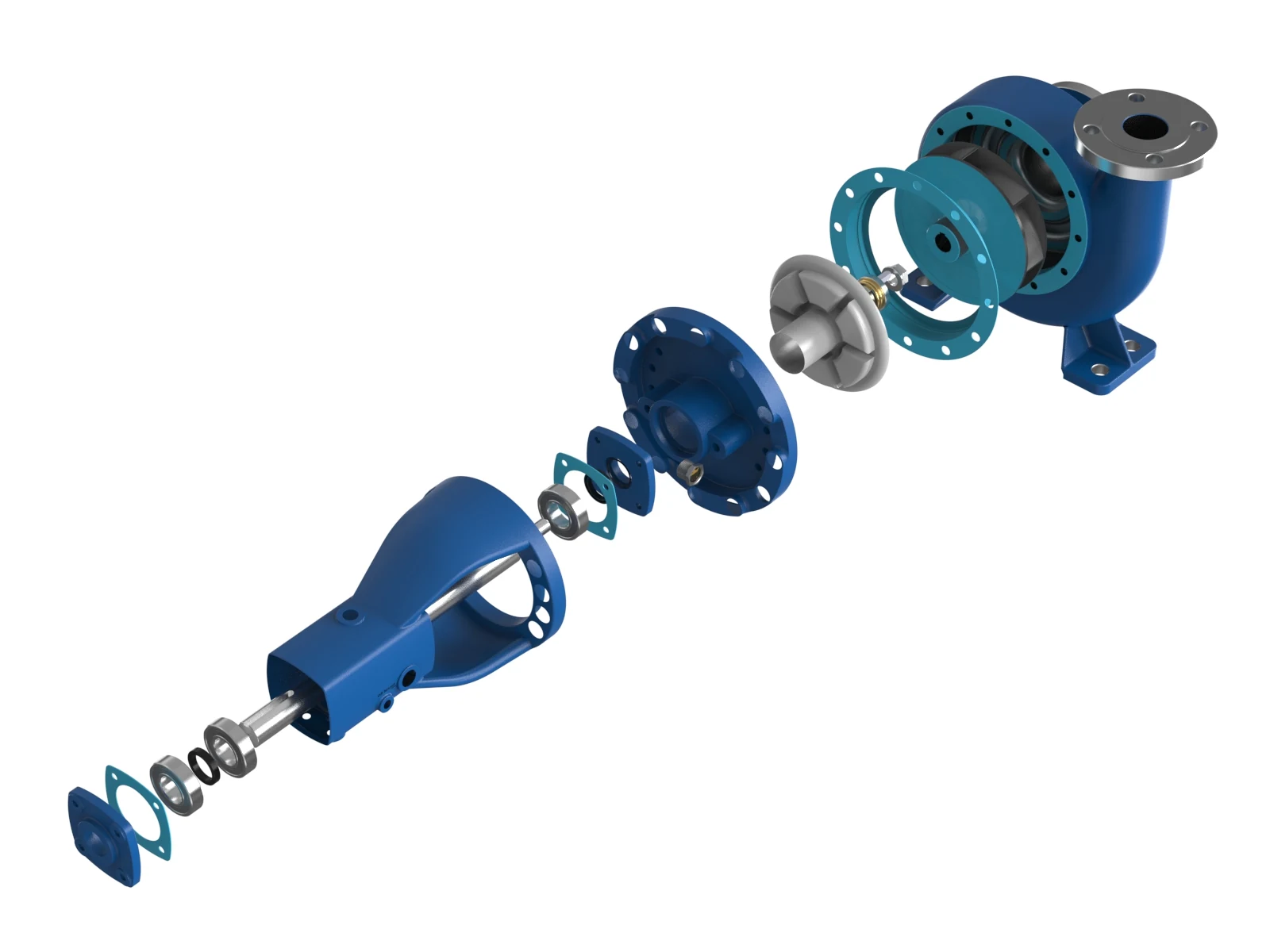
Most mechanical CAD packages can now produce a photoreal image. SolidWorks has Visualize, Inventor and Fusion have their own renderers, and KeyShot plugs into almost everything. So it is a fair question why a manufacturer would pay a rendering service to do what an engineer can do in an afternoon.
The honest answer is that for a quick internal image, you should not. For anything that represents your company, a catalogue, a website, a trade show wall, a distributor launch, the gap between an engineer's render and a professional one is large, and it is not mainly about software.
What a specialist CAD rendering service adds
Model preparation
Engineering CAD is built for manufacturing. It contains thousands of hidden internal parts, overlapping faces, missing fillets on purchased components and fasteners modelled as simple cylinders. A rendering service cleans this up: removes what the camera never sees, repairs visible geometry, replaces simplified purchased parts and adds the small details, welds, cable runs, labels, that make a machine look built rather than modelled. On a large assembly this is the biggest part of the job. See how to prepare CAD for rendering.
Materials that read correctly
Brushed stainless, powder coat, anodised aluminium, cast iron, rubber, polycarbonate guarding. Each needs a physically correct material with the right roughness and wear. Default library materials are what make in-house renders look like CAD.
Lighting and composition
Studio lighting for catalogue images, environment lighting for application shots, consistent camera angles across a whole range. This is photography skill applied to a virtual scene, and it is what makes a range of fifty products look like a family.
Consistency at volume
Once a rendering standard exists, every new product, colour and variant matches it. For a manufacturer with a range of hundreds of SKUs this consistency is often worth more than any single image.
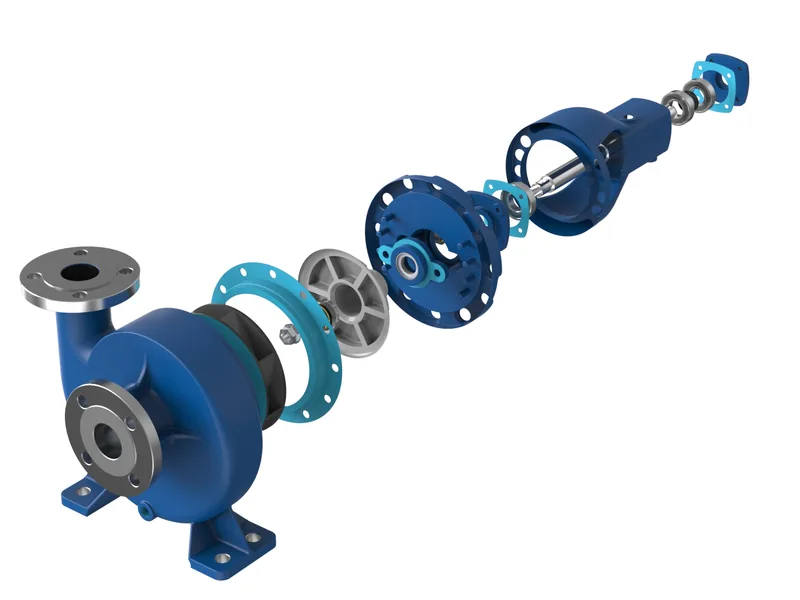
In-house or outsourced?
| Keep in-house | Outsource |
|---|---|
| Quick design review images | Catalogue and website images |
| Internal presentations | Trade show walls and print at large size |
| Early concept checks | Hero shots for launches and press |
| One-off images where consistency does not matter | Product ranges that must match each other |
| Exploded views, cutaways and anything animated |
Which files to send
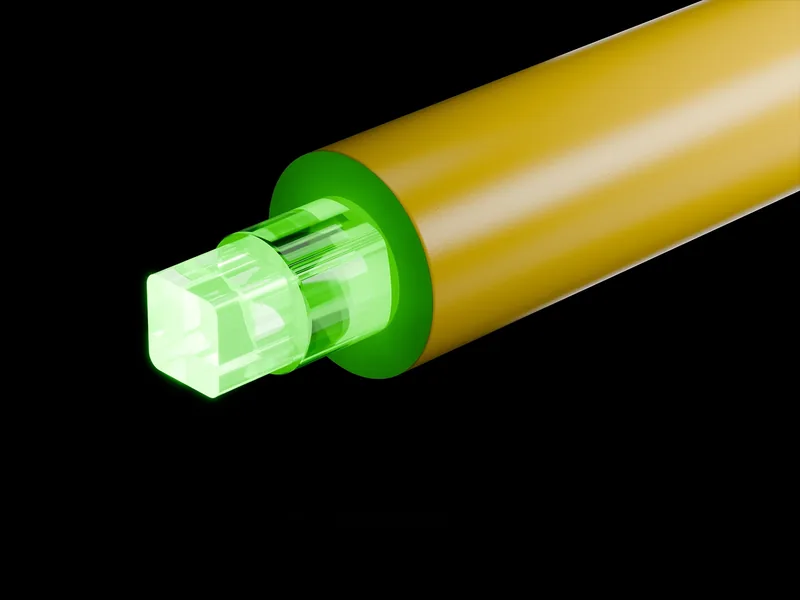
We work from STEP, IGES, JT and Parasolid, and from native SolidWorks, Inventor, Creo, NX and CATIA files. STEP is usually the easiest exchange format. Native files help when we need configurations or appearances you have already defined. If you only have 2D drawings, we can rebuild the geometry, as we did for CeramOptec. Large assemblies are routine; send them through a secure upload link, never as email attachments, and only after an NDA is in place. Our CAD confidentiality checklist covers what to ask any provider.
What it costs
Freelance marketplaces advertise renders for under $100. Those prices assume a clean, small model and a generic setup. For industrial equipment the cost is driven by assembly size, the amount of preparation and the number of variants. Our published prices:
| Deliverable | Price |
|---|---|
| Single component render | from $590 |
| Single machine render | from $1,090 |
| Cutaway or x-ray still | $890 |
| Exploded view set of three | $1,390 |
| Machine set, five views | $2,900 |
| Extra colour or option | $240 |
| Per SKU at volume, 10+ | from $340 |
| Pilot project, first-time clients: three renders of one component | $800 |
For a deeper comparison of market prices, read how much a 3D machine render costs.
How a project runs
- NDA signed, then files sent through a private upload link.
- Free assessment of your CAD and a fixed quote within one working day.
- One look frame for approval: material, lighting and angle.
- Full set rendered, one revision round included.
- Delivery in your formats, with full commercial usage rights on payment. The prepared model stays on file so the next product costs less.
Send one CAD file and we will tell you what it can become, with a fixed price.
Written by Engr. Bilal Naseem, mechanical engineer (PEC Reg. No. 47883) and founder of 3DEnginuity. Questions about your own machine? Write to bilal.naseem@3denginuity.com.
Send one CAD file for a free assessment.
We open it, tell you what is usable, and return a fixed price and delivery date within one working day. NDA first if you need it.