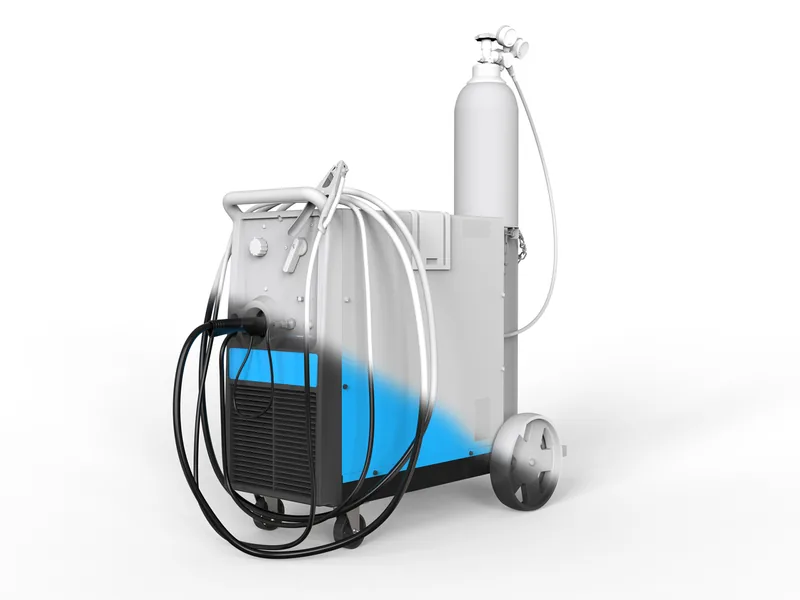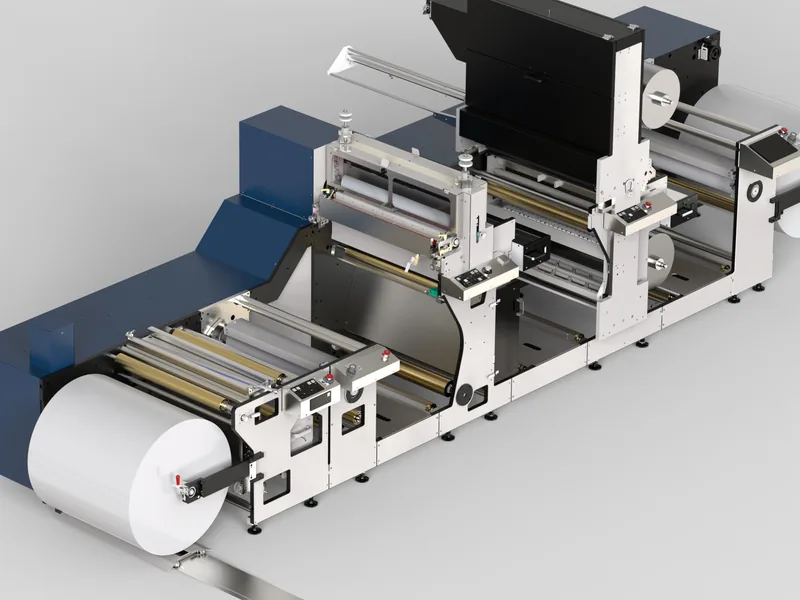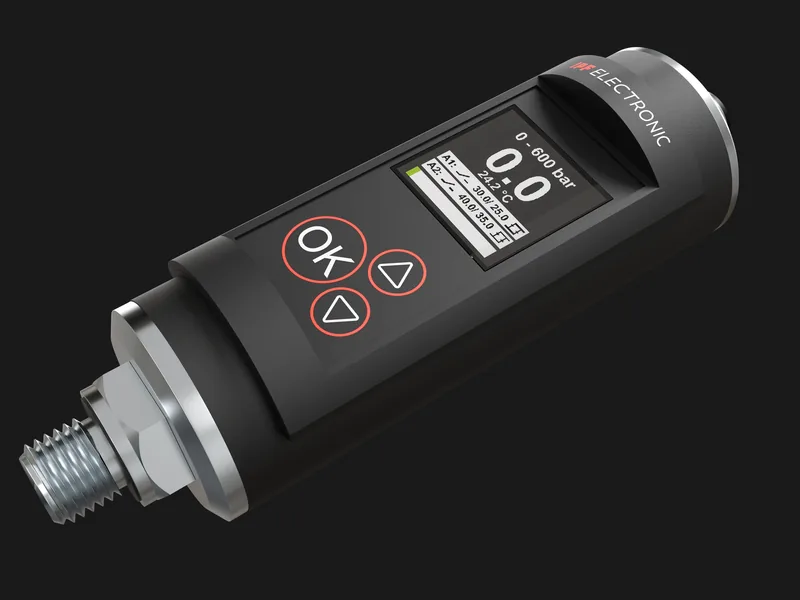
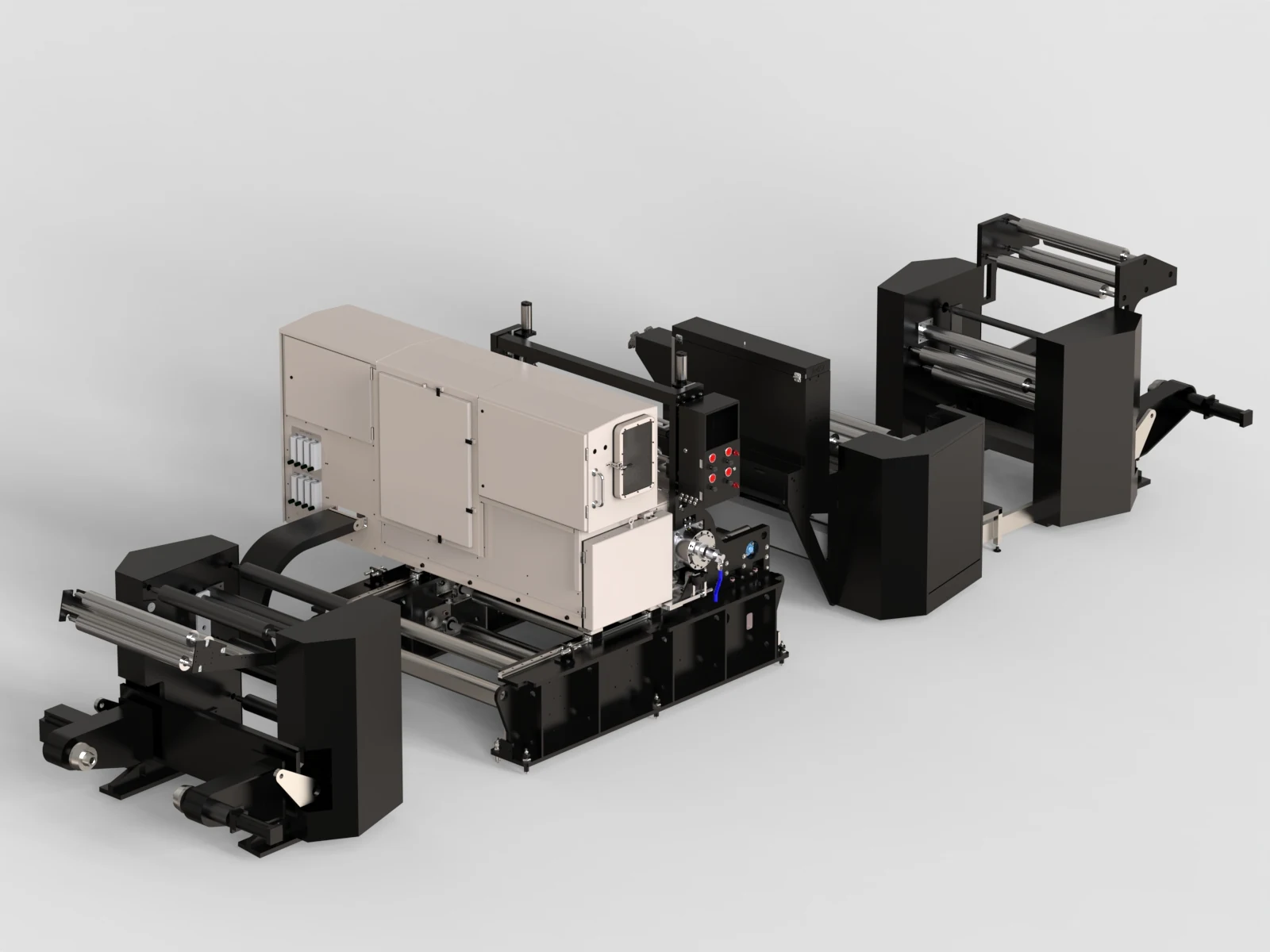
A photoreal render of an industrial machine can cost $150 on a freelance marketplace or $3,000 at a specialist studio, and both prices can be fair. The difference is almost never the final image. It is what happens before the image: opening a 4,000 part assembly, fixing what the CAD gets wrong for a camera, building materials that look like your powder coat and your brushed stainless steel, and checking that every guard and cylinder is in the right position.
This guide explains what a 3D machine render costs in 2027, what drives the price, and how to get the most images from one budget. Every 3DEnginuity figure comes from our published price list.
Market prices per image
Published studio guides put a professional product render at roughly $250 to $1,200 per image, freelancers at $50 to $500, and complex products at $1,200 to $3,000 or more (Frame Sixty, 2026). Machines usually sit in the upper part of those ranges because of part count and the preparation they need.
| Provider | Typical price per image | Best for |
|---|---|---|
| Freelance marketplace | $50 to $500 | Simple parts, clean CAD, flexible deadlines |
| General 3D studio | $250 to $1,200 | Consumer and simple industrial products |
| Industrial specialist | $590 to $3,000+ | Machines, assemblies, technical accuracy |
Our prices
| Deliverable | What you get | Price |
|---|---|---|
| Single component render | One product or component, studio lit | $590 |
| Single machine render | One hero view of one machine | $1,090 |
| Cutaway or x-ray still | What sits behind the casing | $890 |
| Machine set | Five views: hero, sides, rear and a detail | $2,900 |
| Exploded view set | Three exploded or sectioned views | $1,390 |
| Range package | A product family in one visual standard | From $7,900 |
| Catalogue batch | Ten or more variants from one model | From $340 per SKU |
The machine set is the best value for most first projects: five views of the same prepared machine cost $580 each, against $1,090 for a single view, because preparation is shared.
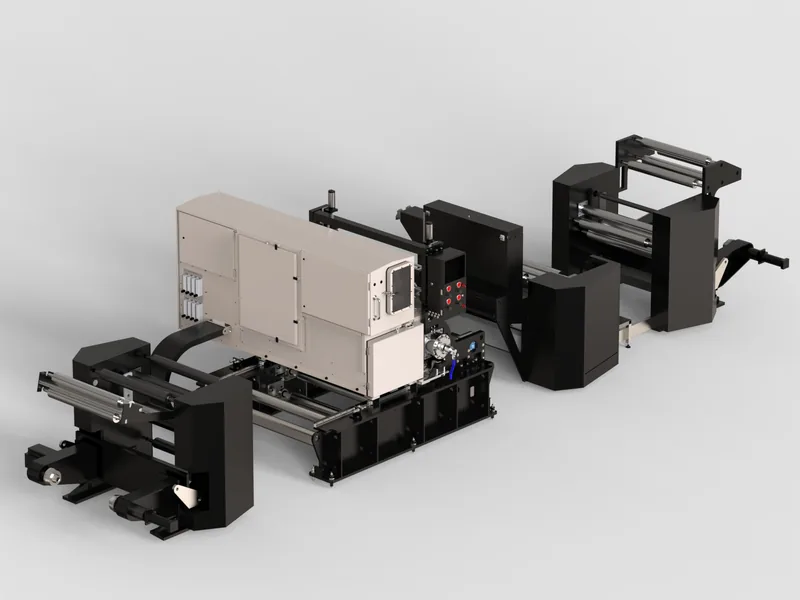
What drives the price of a machine render
- The CAD. Part count, export quality, missing purchased parts and duplicate bodies. On a first machine project this is often the largest single item. See how to prepare CAD for rendering.
- Visible surface area. A closed cabinet machine needs fewer detailed materials than an open frame with exposed drives, pneumatics and cabling.
- Materials and finishes. Matching your RAL colours, brushed and bead-blasted stainless steel, anodised parts, labels and HMI screens.
- Background. Studio white or grey is the standard. A factory environment or a customer site adds modelling time.
- Resolution. Web images and 4K are standard. Booth wall prints of several metres need more render time and careful detailing.
- Cutaways and states. Opened guards, sectioned housings or the machine shown in several positions each add work.
How to get more images for the same budget
- Buy views as a set. Five views of one machine cost much less per image than five separate machines.
- Render variants from one model. Sizes, colours and options from a prepared machine cost a fraction of the first render.
- Plan for every channel at once. Website, catalogue, booth wall and press need different crops. Ask for them in one brief.
- Keep the model. Next year's new option or colour costs far less if the studio kept the prepared machine. Ours does, and later work is typically 20 to 40 per cent cheaper.
- Use renders before the machine exists. Launch images from CAD avoid a later photo shoot of a prototype.
Red flags in a rendering quote
- An hourly rate with no cap. Ask for a fixed price based on your actual CAD.
- No questions about your files. A studio that quotes without looking at the assembly will discover its problems on your budget.
- Portfolio of products only. Phones and furniture are much easier than a machine with 3,000 parts. Ask for industrial work.
- No mention of revisions. Know how many revision rounds are included and what an extra round costs.
- Unclear rights. If the quote does not say you own the usage rights, ask before you sign.
What a good brief looks like
You will get better quotes, and better renders, if your brief covers five points: the CAD and the configuration to show, the number of views and their use (web, print, trade show), the background (studio white, grey, dark or an environment), your brand colours and finishes, and the deadline. A one page brief is enough. We also accept a short call instead.
Render or photo shoot?
A professional industrial photo shoot needs a finished machine, a clean hall, lighting, travel and often a day of production downtime. Renders need none of those, keep every machine in one visual standard, and can show the inside. A shoot is still the right choice for real people, real factories and brand stories. We compared both in detail in machine rendering vs industrial photography.
Written by Bilal Naseem, mechanical engineer and founder of 3DEnginuity. Questions about your own machine? Write to [email protected].
Send one CAD file for a free assessment.
We open it, tell you what is usable, and return a fixed price and delivery date within one working day. NDA first if you need it.