Most delays in industrial visualization projects happen before anything is rendered, in the handover of CAD. This is what a studio actually needs, and what you can safely leave out.
Send the right format
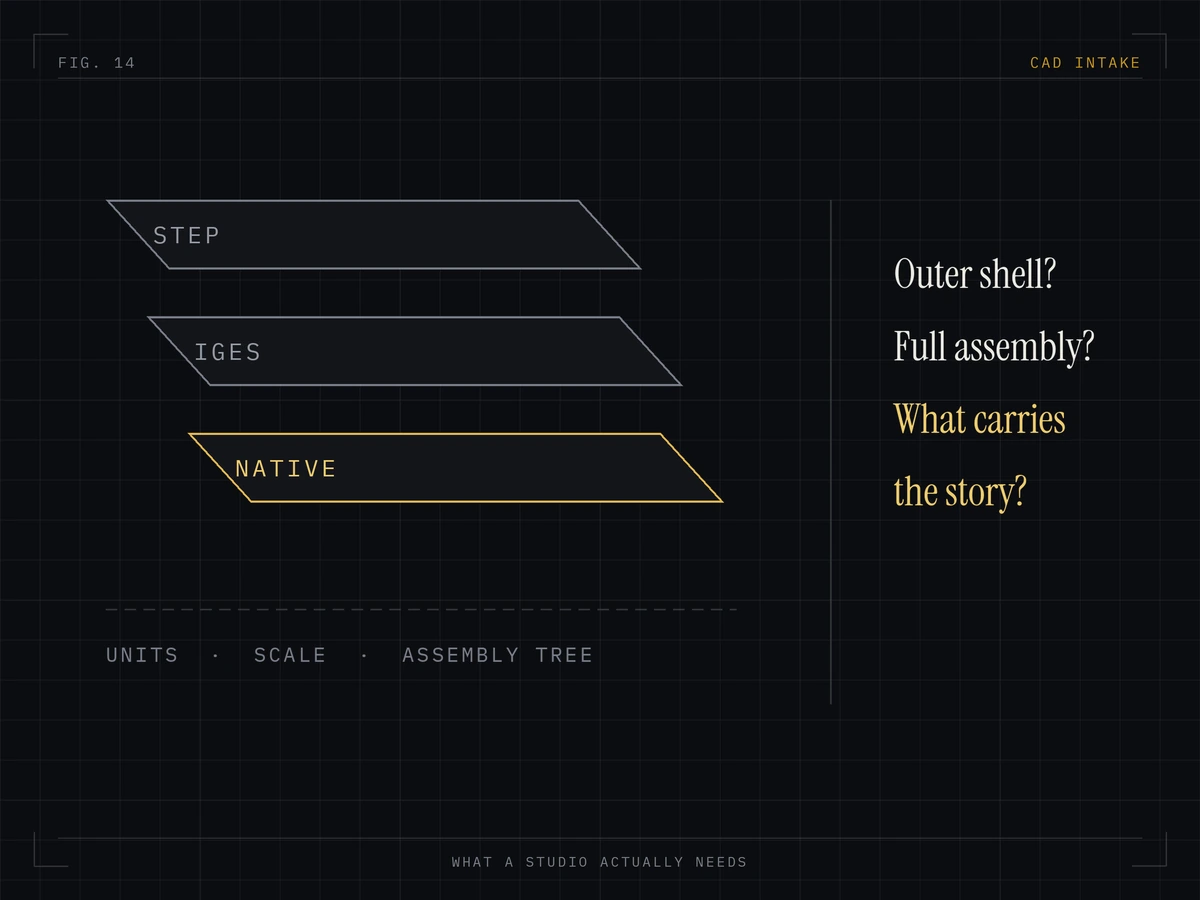
STEP (AP214 or AP242) and IGES are the safest exchange formats. JT works well for very large assemblies. Native SolidWorks, Inventor, Creo, NX and CATIA files are fine too, as are Parasolid files. What rarely works alone is a mesh export such as STL: it loses smooth surfaces and produces faceted edges that look wrong in close-up.
Export the visible machine, not the whole project
A production assembly may contain internal fasteners, electrical routing, supplier sub-models and simulation geometry that nobody will ever see on camera. Sending it is harmless but slower. If your PDM allows it, export a simplified configuration with the outer machine, guarding, panels, visible drives and anything the film needs to open up.
Keep the parts that matter exact
Tell us which features are the selling point: the sealing face, the changeover mechanism, the drive train, the control panel. Those stay exactly as engineered. Everything else can be simplified for performance.
Include scale and orientation
Confirm units and, if you can, supply overall dimensions. A machine imported at the wrong scale is obvious immediately, but a subtly wrong sub-assembly is not.
Supply materials and colours separately
CAD rarely carries usable material data. What helps: RAL numbers for paint, finish specifications for stainless and aluminium, the brand colour codes for panels and logos, and photographs of a real unit if one exists.
Share the confidential list
Tell us which internals are proprietary. We can simplify or omit them, or show a representative version. It is far easier to agree that at the start than to re-render later.
Practical checklist
- STEP, JT or native assembly, with units confirmed
- Photos of an existing unit if one exists
- RAL and finish specifications
- Logo and branding artwork in vector form
- A note on which features must stay exact
- A note on which internals are confidential
- The deadline, and the show or launch it belongs to
How we handle it
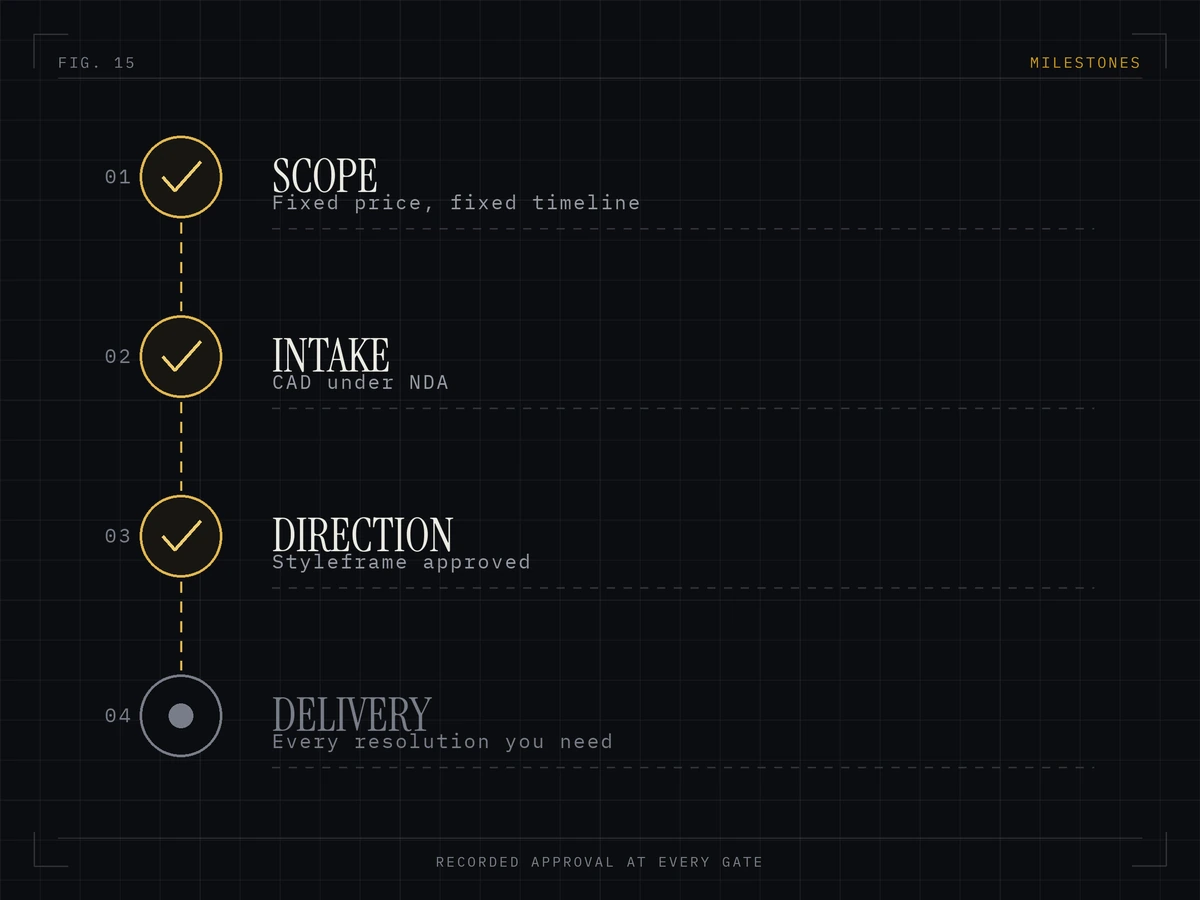
NDA before files move, a private upload link rather than email, and a free assessment telling you what is usable before you commit. See how we work or read about CAD preparation.
Send one CAD file for a free assessment.
We open it, tell you what is usable, and return a fixed price and delivery date within one working day. NDA first if you need it.