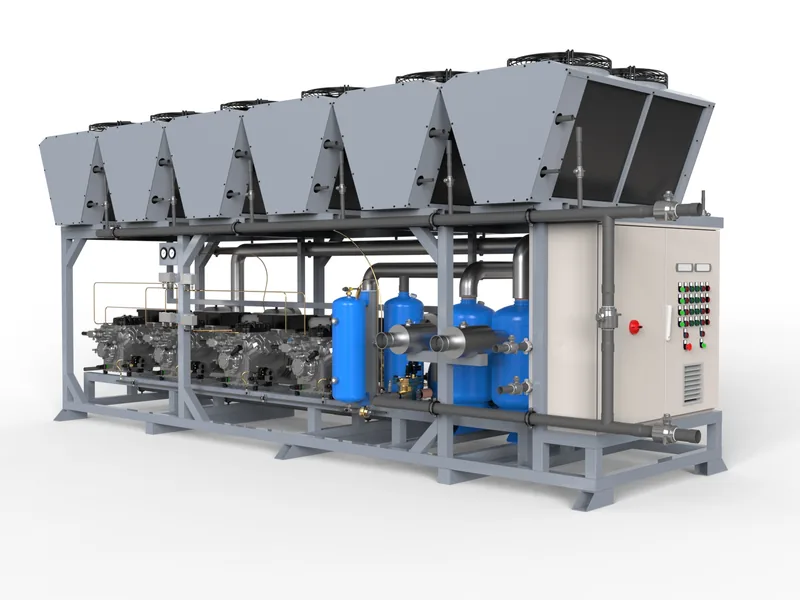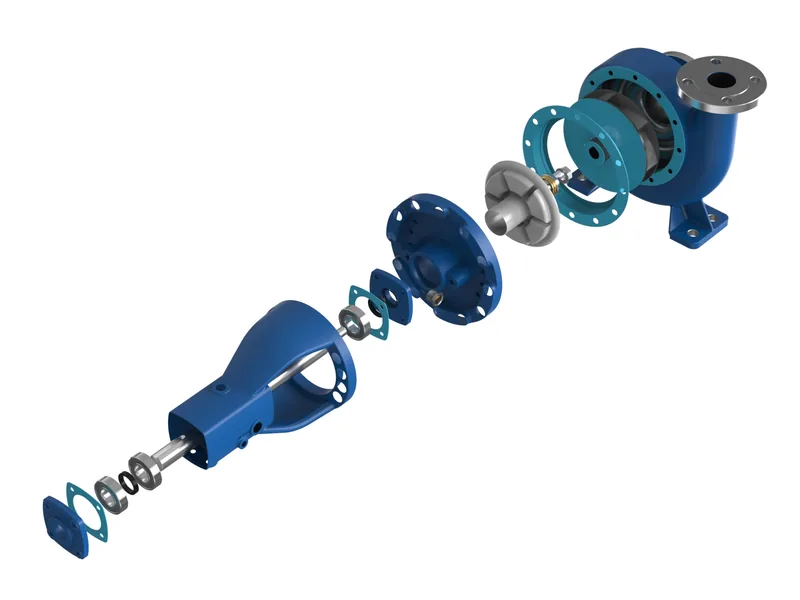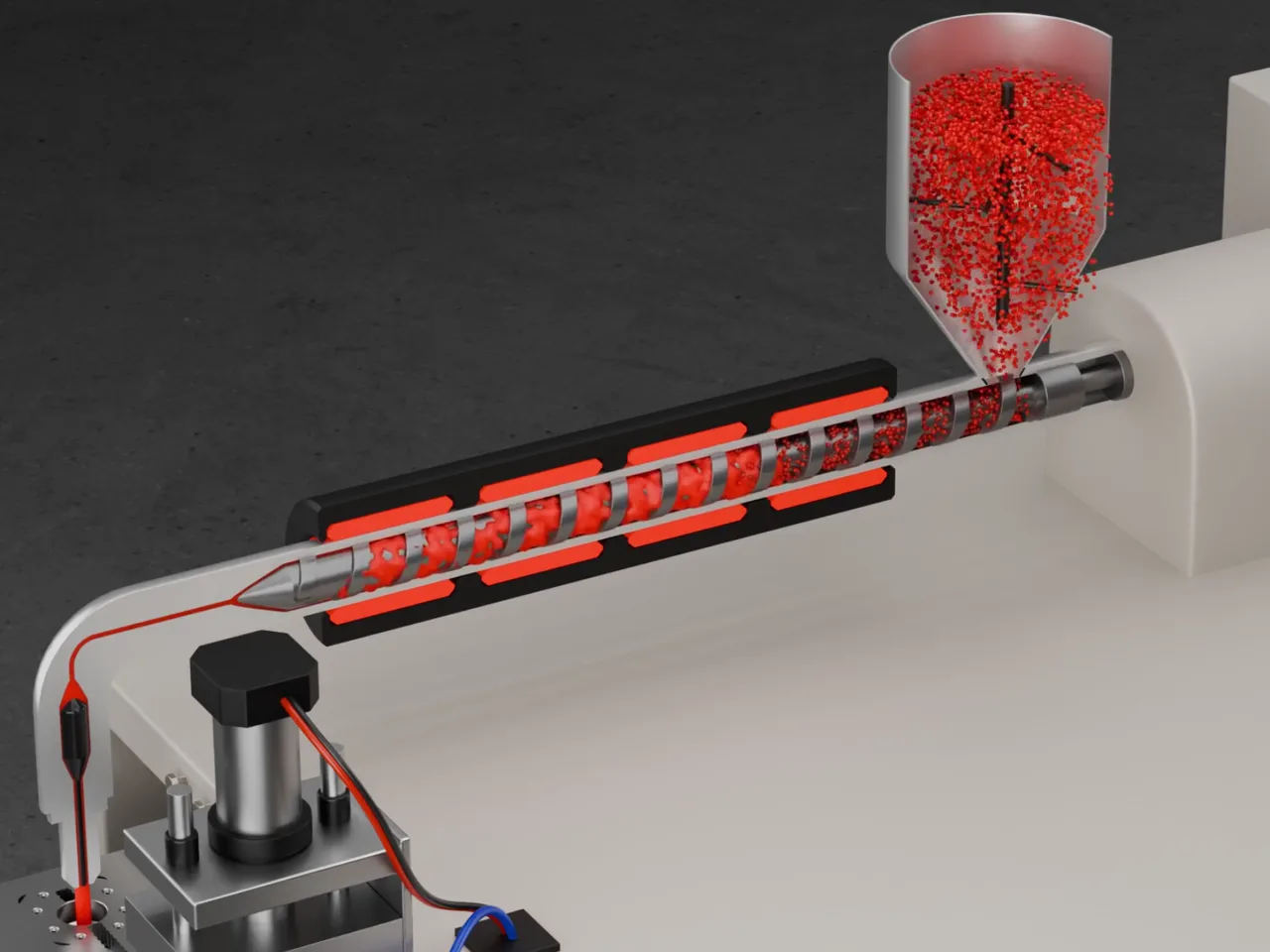
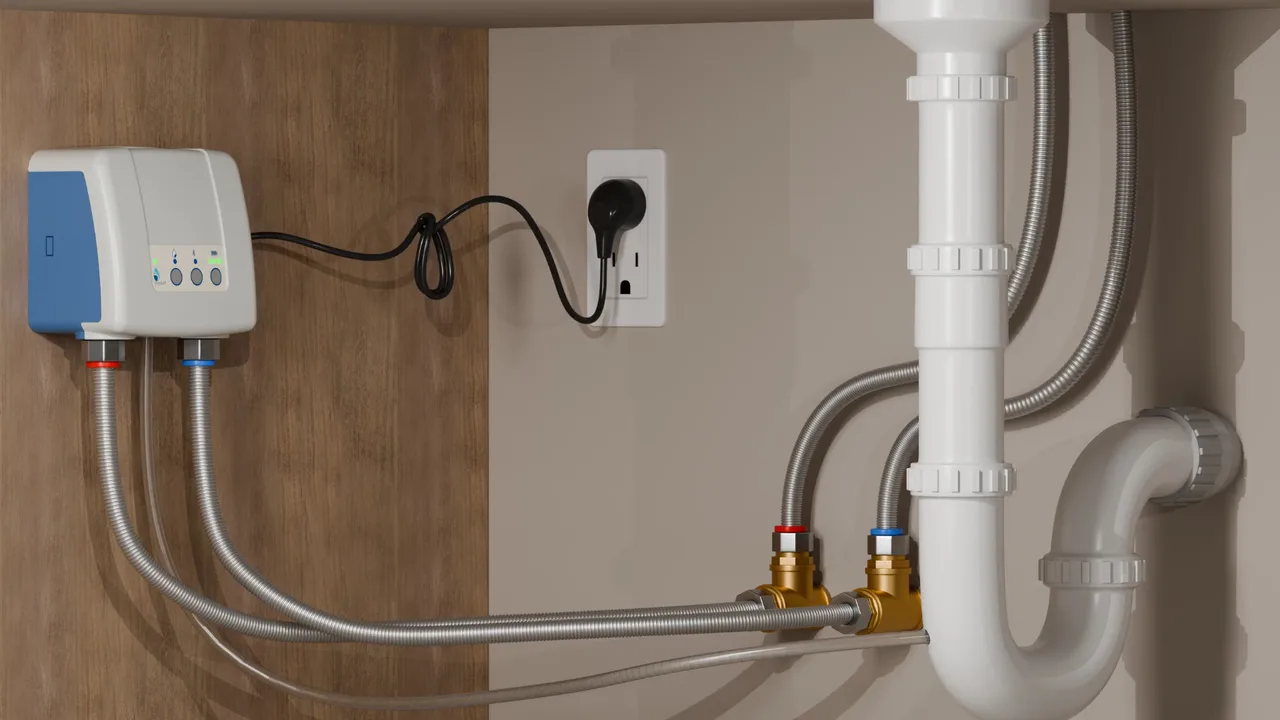
Every equipment manufacturer knows the pattern. A machine ships with a 120 page manual, the customer's maintenance team skips to page 47, misreads a drawing, and the next call is to your service hotline. Sometimes the call becomes a flight for a field engineer. Installation and maintenance animation built from your CAD is one of the cheapest ways to break that pattern.
This guide explains what assembly, installation and maintenance animations are, where they pay back, what they cost, and how to plan one so it actually gets used in the field.
What counts as an installation or maintenance animation
These are short, task-focused 3D films that show one procedure from start to finish, in the order a technician performs it. Typical subjects:
- Mechanical installation: anchoring, levelling, connecting utilities, removing transport locks.
- Commissioning steps: first start, threading a web, setting guides, filling lubricant.
- Format or changeover: swapping change parts on a packaging machine, adjusting a die-cutting unit.
- Planned maintenance: replacing a belt, a seal, a knife, a filter cartridge.
- Troubleshooting: clearing a jam safely, resetting a sensor.
Because the animation is built from the engineering CAD, every part, fastener and tool is in the right place, and the camera can go where no video crew can: inside guarding, behind panels, or through a housing with the outer parts ghosted.
Where the money comes back
Installation animation is rarely bought for its looks. It is bought because it shortens three expensive things:
- Service calls and site visits. A clear film of a recurring procedure prevents a share of the calls about it. A single avoided international field service trip often costs more than the animation.
- Commissioning time. Customers who have watched the installation sequence before the machine arrives prepare the site correctly: foundations, power, compressed air, clearances.
- Training of new staff. On the customer side and inside your own service team, a film is repeatable in a way a senior technician's time is not.
There is also a language benefit. A film with numbered steps and minimal on-screen text works across markets, where a translated manual needs a new edition for every language.
How to plan one that gets used
- Pick the procedures by call volume. Ask your service team for the five procedures that generate the most calls or the most errors. Start there.
- One procedure per film. Keep each film between 30 seconds and 3 minutes. Technicians look for one task, not a feature film.
- Show tools and torque values. Display the tool, the size and the value on screen at the moment it is used.
- Mark safety steps visually. Lockout, guarding and hot surfaces need a consistent visual code across all films.
- Deliver where the machine is. Link each film from a QR code on the machine panel, the manual page and your service portal.
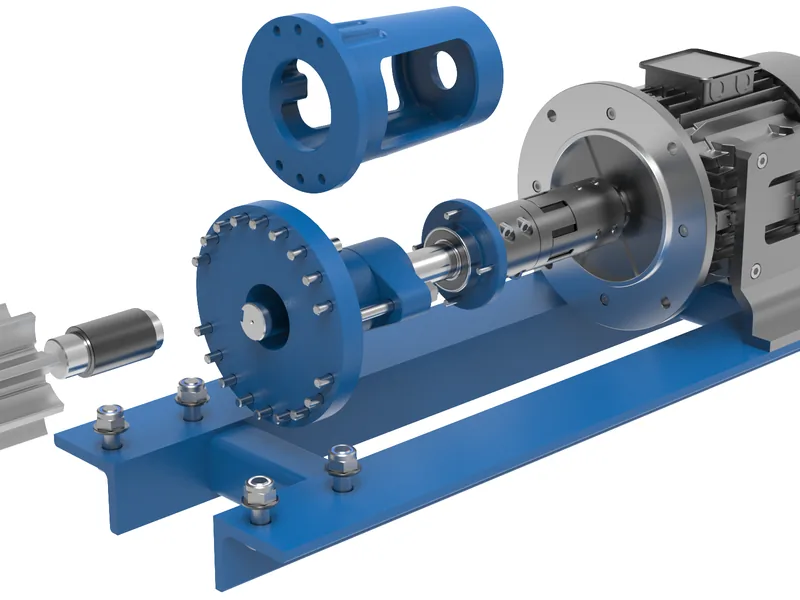
A sample storyboard
| Step | Shot | On screen |
|---|---|---|
| 1 | Machine overview, guard highlighted | Lock out power before starting |
| 2 | Close-up, guard bolts loosening | Tool: 13 mm socket |
| 3 | Guard lifts away, belt visible | Release tensioner |
| 4 | Old belt removed, new belt fitted | Check direction arrow |
| 5 | Tensioner set, value displayed | Tension: as per manual table 4 |
| 6 | Guard refitted, bolts torqued | Torque: 25 Nm |
| 7 | Machine running | Test run, check alignment |
Seven shots, one minute, no voice-over. A technician can follow it on a phone next to the machine, in any language.
What it costs
Our assembly and service films start at $6,400 for a step-by-step procedure built from your CAD. A film on a machine we have already prepared for renders or a sales animation costs less, because the model, materials and lighting already exist. Short single-step clips for a service portal can be produced as a batch at a lower price per clip.
Animation, AR or VR?
A video is the right first step for most manufacturers because every customer can play it. Augmented reality, where the steps appear over the real machine on a tablet, and virtual reality training are the next level for high-value machines or safety-critical tasks. They reuse the same prepared CAD model, so starting with an animation does not waste anything. See what VR training for machine operators costs for the comparison.
What to send to get a fixed quote
- The CAD assembly, ideally STEP, plus any purchased parts that appear in the procedure.
- The relevant manual pages or your service team's checklist for the procedure.
- Required languages and where the films will be shown (portal, YouTube, HMI screen, tablet).
- If possible, a phone video of a technician doing the task once. It answers most questions immediately.
We return a fixed price and schedule within one working day. Send the CAD here, under NDA if you need one.
Written by Bilal Naseem, mechanical engineer and founder of 3DEnginuity. Questions about your own machine? Write to [email protected].
Send one CAD file for a free assessment.
We open it, tell you what is usable, and return a fixed price and delivery date within one working day. NDA first if you need it.